Getting started with Apache Parquet
This article explains how to reverse-engineer Apache Parquet files in Semarchy xDI, and use them in supported mappings. Apache Parquet files are open-source files used for storing data in columnar formats.
Create a metadata
To create an Apache Parquet metadata:
-
Right-click a folder in your project and then select New > Metadata.
-
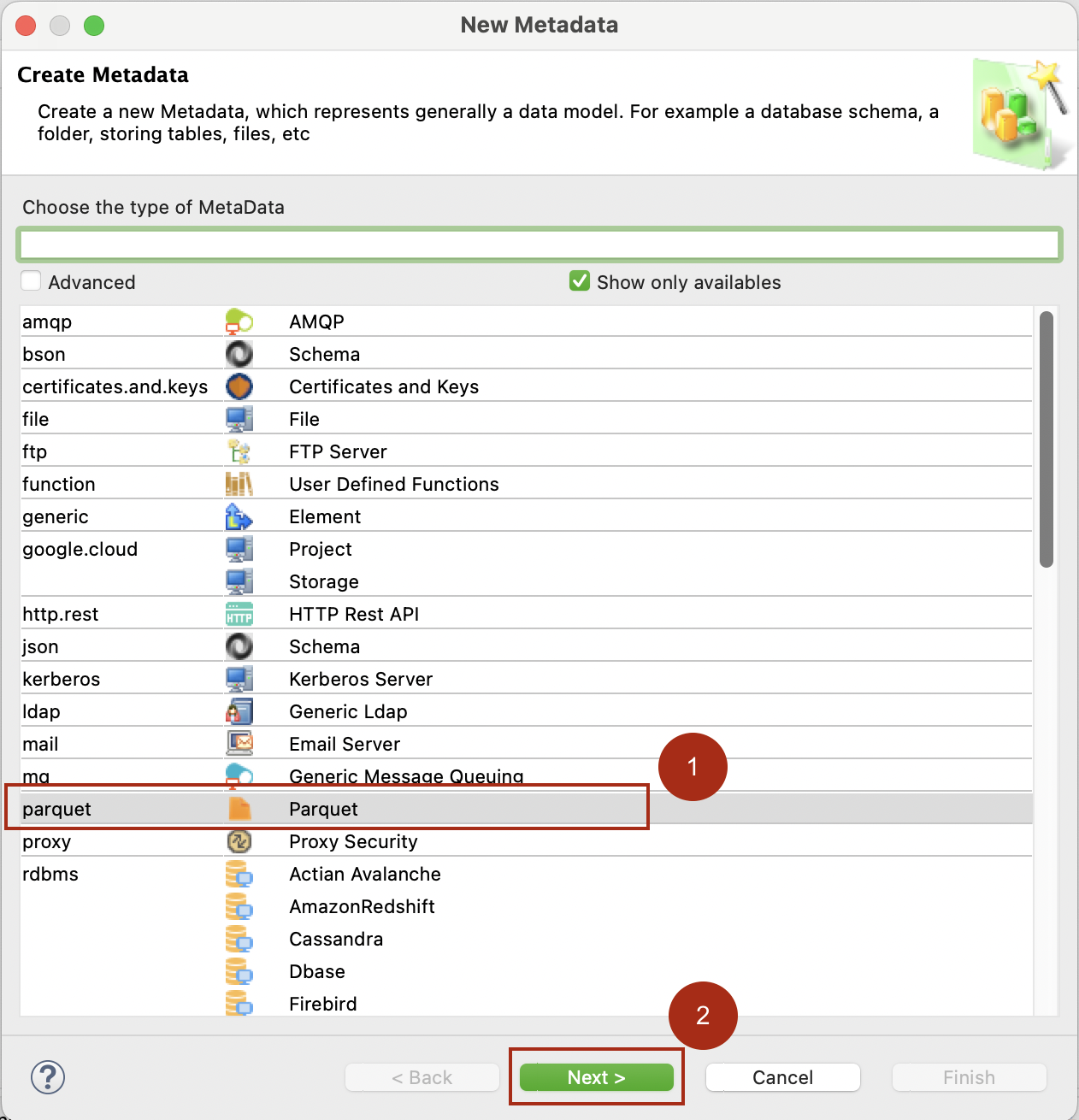
In the New Metadata wizard, select Parquet and then click Next.
-
Name the metadata and click Next.
-
Select the installed module and click Finish.
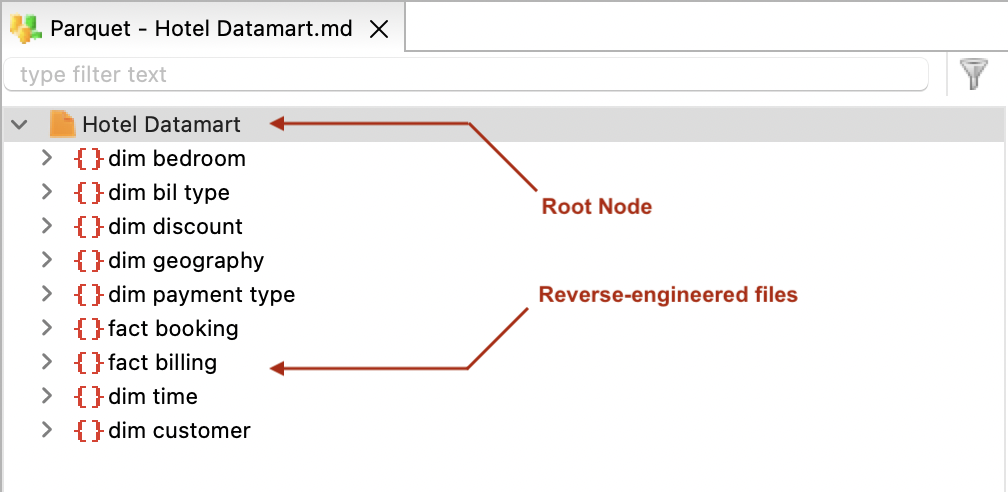
The metadata is created with a root Schemas node. This node will contain the Apache Parquet files you will reverse-engineer.
Reverse-engineer Apache Parquet files
To reverse-engineer an Apache Parquet file:
-
Right-click the Schemas node and select New > Schema.
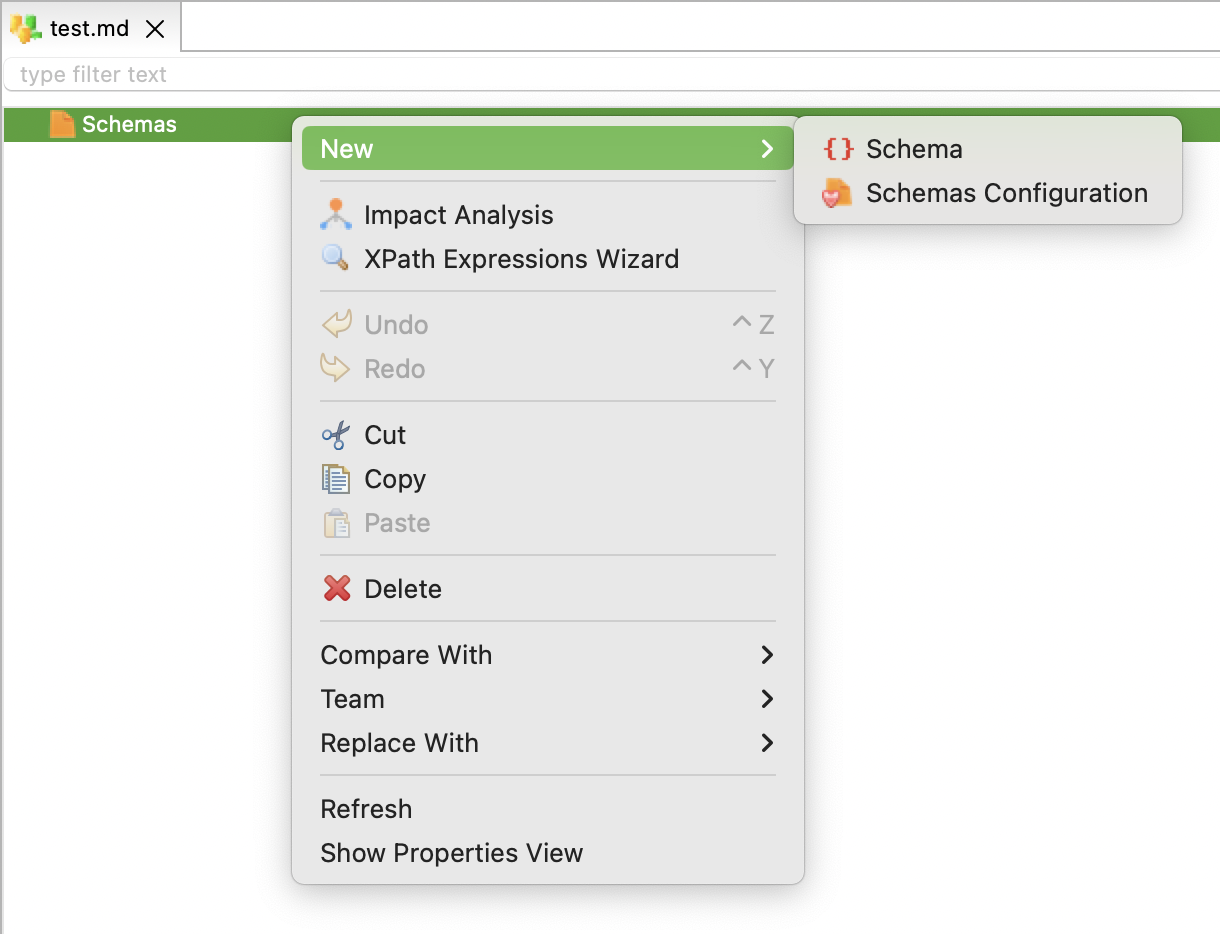
-
Select the newly created Schema node. Set the File Path property to the path of the Apache Parquet file.
-
Right-click the Schema node and select Action > Reverse.
The Apache Parquet file is reverse-engineered as a schema node and is ready to use in mappings.
Create mappings
Drag and drop the Apache Parquet files (the schema nodes) defined in your metadata into mappings.
The following mapping scenarios are supported:
-
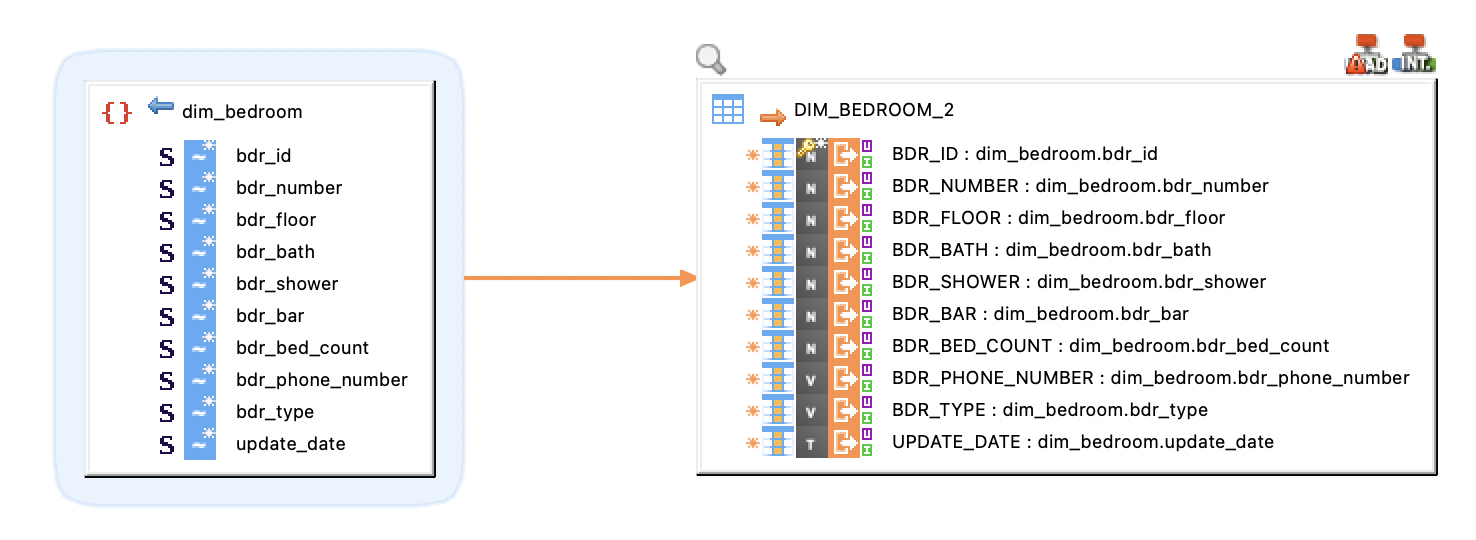
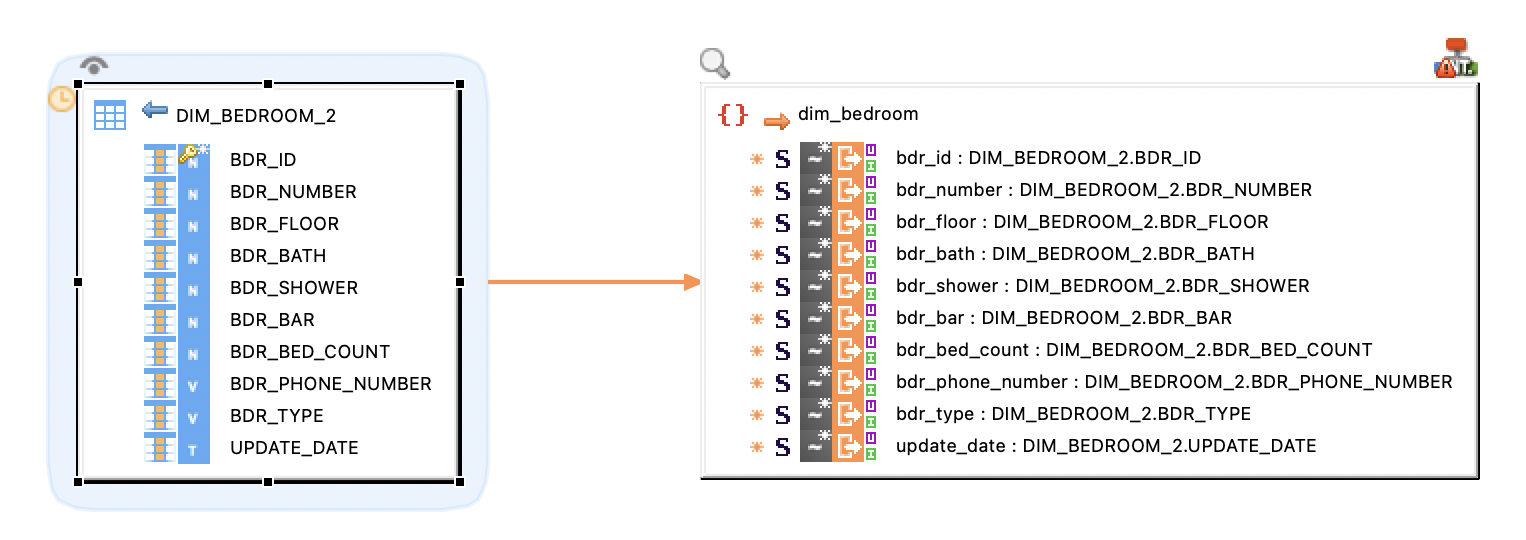
Read Parquet on HDFS to Spark.
-
Write a Spark Dataset to Parquet on HDFS.
-
Export a Vertica table to Parquet files on HDFS or on another supported file system.